Inside the platform · Café chains & groups
The network overview. The individual café view.
A central brand or group receives the overview authorised for its participating network. Each venue has its own view and cannot see the information of other cafés.
These are shared network-partner interface examples, not a claim that a dedicated chain dashboard is already configured for your brand. Branding, access scope and integrations are agreed before rollout.
Explore the portal screensMy venues
Your venues, in one place.
See the applications you introduced and check the status recorded for each one.

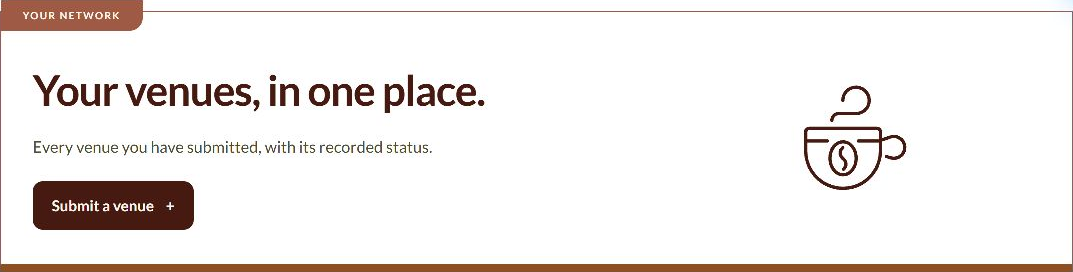
Selected interface details from an internal test account. Not customer results. Select an image to open it at full size.
Assigned venues
Support the cafés assigned to you.
Assigned venues are separate from the cafés you submit for review.

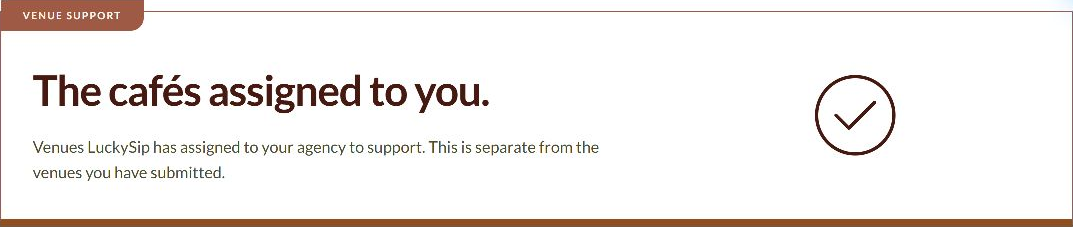
Selected interface details from an internal test account. Not customer results. Select an image to open it at full size.
Reports
Review activity by venue.
Use period controls and the per-venue report layout to find the recorded activity available to your role.

Selected interface details from an internal test account. Not customer results. Select an image to open it at full size.
Authorised access
Access follows your assigned role.
Role attributions grant access. They are not commission or payment records.


Selected interface details from an internal test account. Not customer results. Select an image to open it at full size.
Understand the information, not just the numbers.
Recorded scans, email delivery, clicks, confirmed purchases and agreed earnings are different measures. A scan or click does not automatically mean a sale or a payment. Purchase reporting depends on the applicable tracking integration and confirmation from the relevant provider.
Available tools, access and integrations are confirmed for your account. These pages explain selected interface controls; they do not expose the private portal or promise a particular result.
Find the right next step.
No registration is needed to explore these examples. Speak with LuckySip to confirm the programme, access and terms appropriate to your business.